Pular para o conteúdo principal

3 postagens marcadas com "dns"

Ver todas os Marcadores

ULTIMATE GUIDE: Setting Up Your Server for Reliable Email Delivery. PART 2: How to prevent outgoing emails from going to spam

· Leitura de 8 minutos
Customer Care Engineer

dns-records-configuration-spf-dkim-dmarc-ptr-mx-prevent-email-spam-guide

info

DNS records are a set of technical parameters of a domain that determine where to route different types of traffic: web, mail, FTP, etc.

They link the domain name to IP addresses and other servers so that browsers and mail systems know where to connect when working with your website or email.

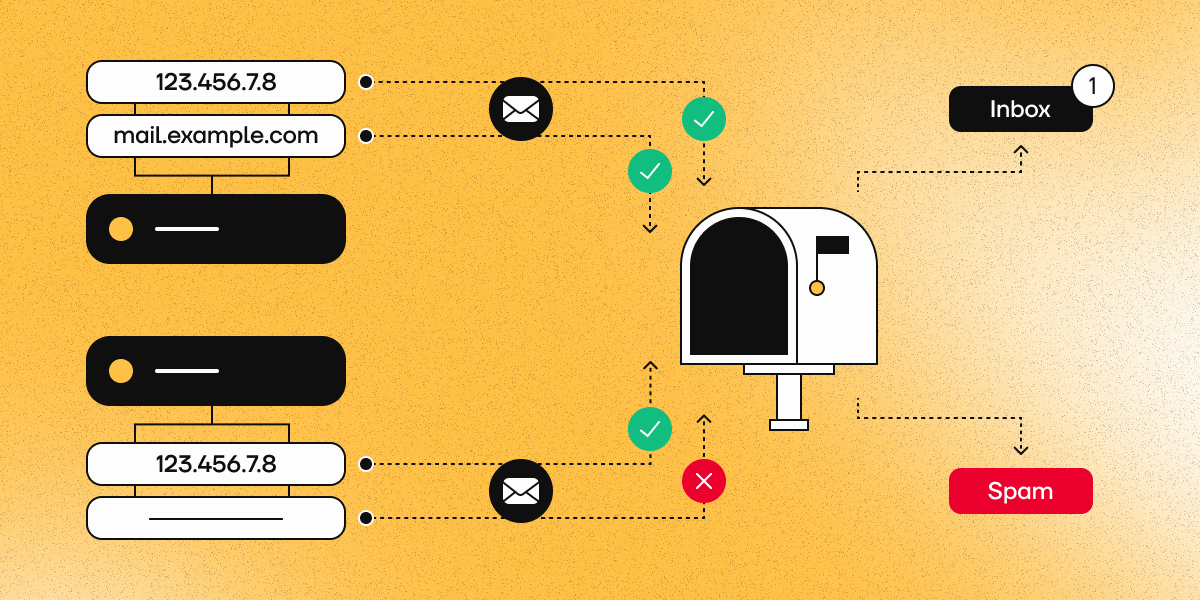
In Part 1 of this guide, we configured the firewall and opened the necessary ports for mail delivery. Now that we have made sure that messages are being sent from your server, we need to check that the DNS records are configured correctly. Gmail, Outlook, and other major mail services strictly verify MX, SPF, DKIM, DMARC, and PTR before delivering messages to the primary inbox. Correct records sharply increase the chance that messages will land in the Inbox folder instead of Spam (or be completely rejected).

In the following steps, we will describe how to check the current DNS records of each type and provide recommendations on how to configure them correctly.

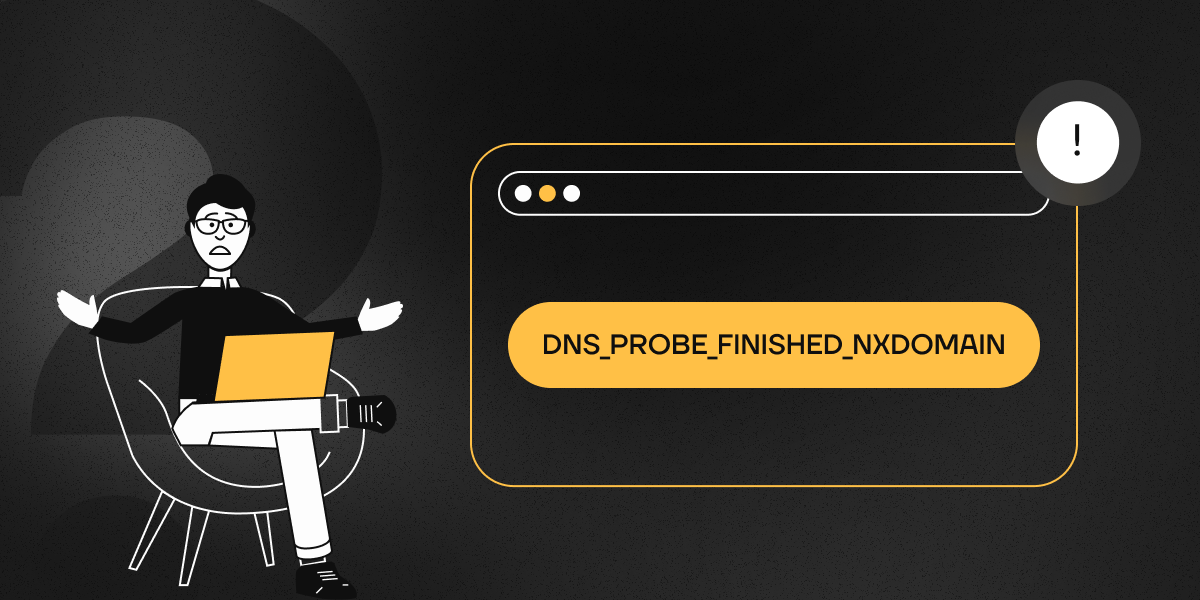
DNS_PROBE_FINISHED_NXDOMAIN Error: Causes and ways to resolve it

· Leitura de 3 minutos
Customer Care Engineer

dns-probe-finished-nxdomain-how-to-resolve

If your browser reports DNS_PROBE_FINISHED_NXDOMAIN, it means that it cannot determine the IP address of the requested site. This can happen for a variety of reasons:

  • The domain name is not present in DNS servers or its registration has expired.
  • The server responsible for the domain zone is unavailable.
  • DNS is configured incorrectly on the device.
  • Interference from a VPN, antivirus, or firewall.
  • Issues with the internet service provider.

The accompanying error message may look slightly different in different browsers:

  • Google Chrome: «This site can’t be reached».
  • Mozilla Firefox: «Hmm. We’re having trouble finding that site».
  • Microsoft Edge: «Hmm… can’t reach this page».
  • Safari: «Safari Can’t Find the Server».